Quick answer: To select the best website hosting, you need to know the type of website you have, the expected traffic, your budget, and your technical needs. Then compare hosting performance, uptime, security, storage, scalability, customer service, WordPress compatibility, backups, and renewal pricing. You need the right hosting package for your needs now and for your website to flourish.
Introduction:
Building a website is so much more than buying a domain name and designing some pages. You will also need a reliable place to store the files that make up your website and serve them to visitors. This is where the website hosting comes in.
Choosing the correct web hosting company can affect your website’s performance, security, stability, and scalability. However, for beginners, hosting can be difficult, as providers offer varied plans, features, technologies, and pricing strategies.
The good news is that you don’t need to get the most expensive hosting plan. You need a plan that suits the genuine needs of your website.
This tutorial will explain what website hosting is, how the different types of hosting function, what you should compare before buying a hosting plan, and how to choose hosting based on your type of website.
What is website hosting?
Web hosting is a service that will store your website and make it available on the internet. It supplies the server space and technologies required. A website is built of a number of file types, including
HTML, CSS, JavaScript, photos, videos, databases, and other resources. These files should be on a
server that connects to the Internet. When someone types your domain name into their browser, the
The browser goes and talks to the server that has your site on it. The server then feeds the visitor’s
browser with the files it needs to display the webpage.
Briefly, a domain name is the address of your site.
Website hosting = The place where your website is hosted.
For example, when you start a WordPress blog, you
need a domain name to make your website discoverable to your readers and website hosting to
house your WordPress files and database. How does website hosting work? It works through internet-connected servers.
The basic process is visitor → domain name → hosting server → website files → browser.
When someone types your website address into their browser:
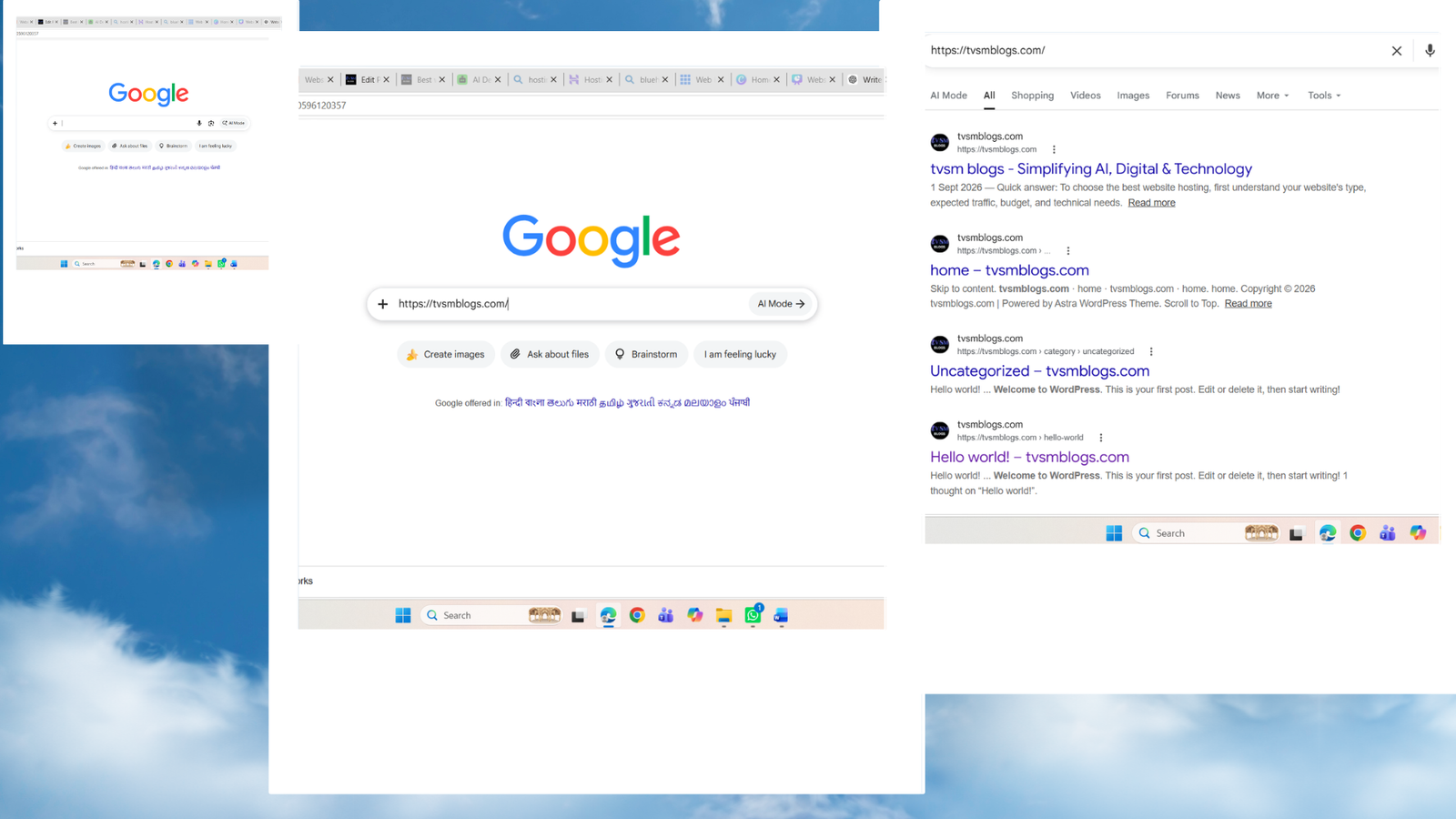
1. The browser identifies your domain name.
2. Domain points to the right hosting server.
3. The hosting server receives the request.
4. The server pulls the correct files for the website.
5. The files are subsequently transmitted to the visitor’s browser.
6. Your website is shown in the browser.
The quality of your hosting infrastructure can impact the speed and
dependability of this operation. But hosting isn’t the only thing that might affect your website.
speed. Your performance might also be affected by website theme, plugins, pictures, code,
database and third-party scripts.
The Importance of Choosing the Right Website Hosting
Your hosting provider is a vital aspect of the technical infrastructure of your website. There are certain benefits of quality website hosting.
Key Tips For Choosing The Right Website Hosting
Your hosting provider provides the technological framework for your website. with a nice hosting service.
Enhanced site performance:
Visitors suffer with slow online sites. Your hosting speed is one of several things that affect how fast your pages respond and load.
More Reliability:
Your hosting infrastructure might sometimes be a hassle, and your visitors might not be able to access your website
Extra Security:
You’ll want a host that has the necessary security features and capabilities to help keep sites safe from typical threats.
Easy site management:
Look for features like one-click WordPress installs, automatic backups, migration tools, and user-friendly control panels that can make managing your website easier for novices.
An opportunity to grow:
It will get you some traffic to your website initially, but it’s built over time. Your hosting firm should provide you opportunities to upgrade as your needs increase.
Different Types of Website Hosting
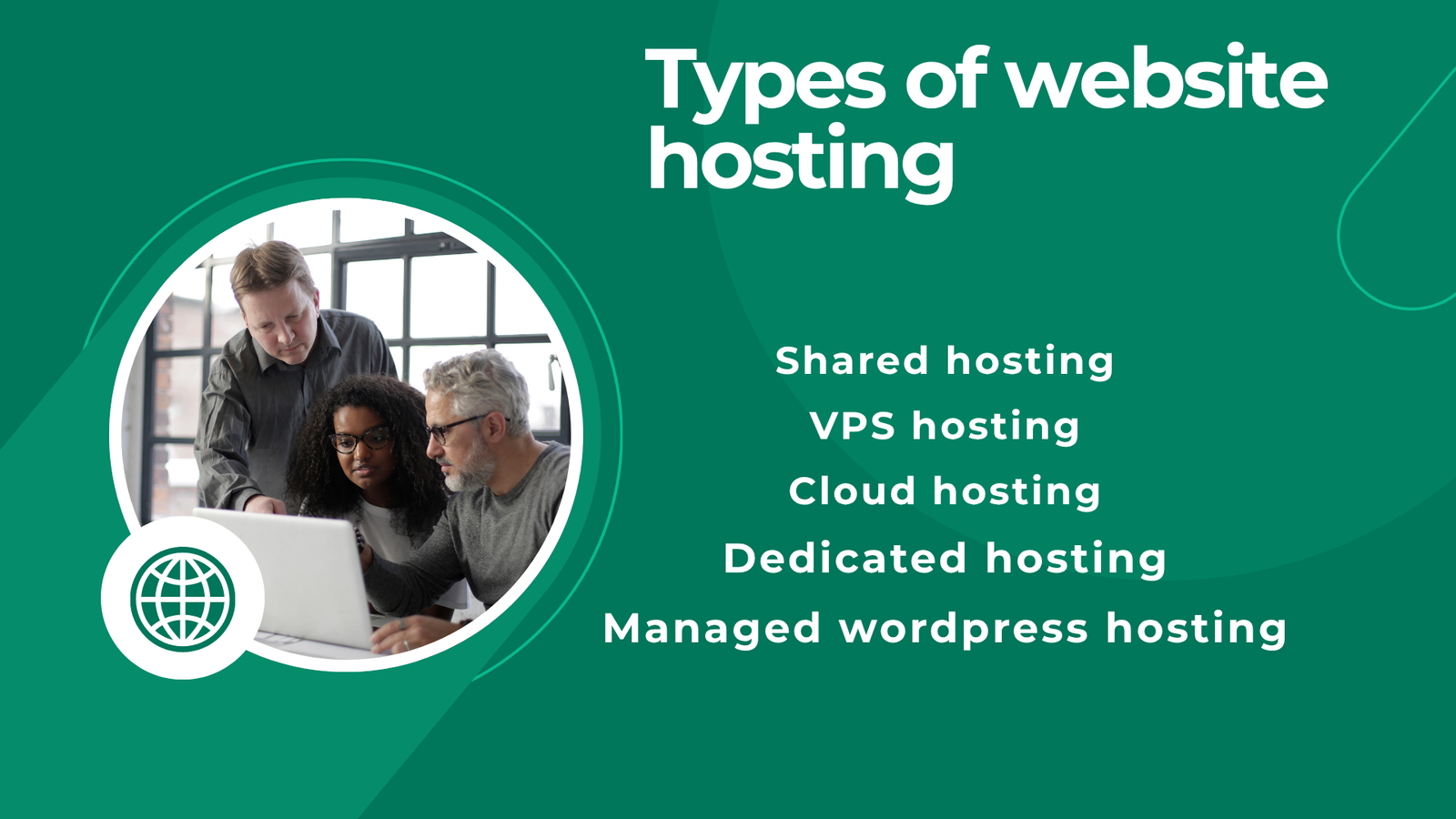
Shared Hosting:
Shared hosting is when multiple websites are hosted on one physical server and resources are shared. In general, it is appropriate for:
• Recent Blog Posts
• Personal Websites (under construction)
• Small business websites
• Portfolio Sites
• Low- to medium-traffic sites
Advantages
• First of all, low price.
• Easy for novices
• Easy to use
• Well suited to many small sites
Disadvantages
• Resources shared with other sites.
• Performance may not be as good as higher-level hosting.
• Some control of server setup.
If you don’t need many resources to build your first website, shared hosting is a great place to start.
VPS Hosting VPS (Virtual Private Server)
Hosting lets you divide a single physical server into many virtual servers. VPS hosting usually gives you greater resources and control than regular shared hosting. It may be suitable for:
• Web Designing
• Programmers
• Sites that require more resources
• Greater enterprise control of servers.
VPS hosting usually takes a little more technical know-how than simple shared hosting.
Cloud services
Cloud hosting is a type of hosting that uses a network of servers rather than a single server. This is particularly beneficial for sites that want to be scalable and flexible at the same time. Cloud hosting might be a suitable fit for:
• Website development Applications with different resource requirements
• e-commerce
The actual architecture and features vary every provider, so compare the real specs and don’t just buy a plan because it’s ‘cloud.’
Dedicated Hosting
With dedicated hosting, one customer has the entire physical server to himself. It gives you lots of power and resources, but it is often pricier and often demands technical abilities. Dedicated hosting is a fantastic fit for
• mega sites
• Resource-demanding applications
• Companies needing custom server solutions
• Websites need full control of the server
You usually don’t need dedicated hosting for a tiny blog.
Managed WordPress hosting
Managed WordPress hosting is a type of hosting designed exclusively for WordPress sites. Management services could include (depending on your provider and plan):
• WordPress Setup
• Views & News
• Assistance.
• Security software
• Improved performance.
WordPress-specific support Useful to website owners who wish to focus on publishing content rather than intricacies of server maintenance.
| Type of hosting | Best For | Performance | Cost | Scalability |
| Shared Hosting | Beginners and small websites | Basic to good | Low | Limited to moderate |
| VPS Hosting | Growing websites | Good to high | Medium | Good |
| Cloud Hosting | Growing or variable-traffic websites | Good to high | Varies | High |
| Dedicated Hosting | Large, resource-intensive websites | High | High | High |
| Managed WordPress Hosting | WordPress users | Good to high | Medium to high | Varies |
These are generic characteristics. Actual performance, pricing and available resources will vary by hosting provider and plan.
What is website hosting?
Website hosting is a service that stores your website files and lets people access your website on the internet.
Which type of hosting is best for beginners?
Shared hosting is often a good option for beginners as it is usually cheaper and easier to manage.
Which one you should use depends on what your website needs.
What is the difference between shared, VPS, cloud, and dedicated hosting?
Shared hosting shares resources of the server with other websites. VPS is a virtual server with dedicated resources, Cloud is a network of servers and Dedicated is a physical server used by one customer.
Conclusion
The website hosting is the foundation of your website and AI voice tools can help you create engaging audio content for your visitors.
A more expensive plan doesn’t always mean the best web host. I think the best choice depends on the kind of website you have, how much traffic you get, your budget, performance, security, support and how much you want to grow in the future.
If you are new to the game, shared hosting is a great place to start. As your site expands, you can scale to VPS or cloud hosting for more resources and flexibility. Remember, too, that hosting is only one factor in the performance of your website – your theme, your plugins, your images and your code matter, too.
Hope this guide will provide beginners an idea about website hosting and choose the plan with confidence.
References
WordPress.org – Hosting — use this in your “Managed WordPress Hosting” section.
WordPress.org – Hosting

I am Sirisha, and I am a digital marketing professional and content creator interested in Artificial Intelligence (AI), digital marketing, websites, apps, software, and technology. I also have completed digital marketing training from ODMT, where I have learned about Search Engine Optimization (SEO), Google Ads, Meta Ads, and web designing. My learning and hands-on experience is building on my knowledge of digital marketing, AI tools, and online technologies.
I’m the founder and content creator of TVSM Blogs, and I’m here to share useful, informative, and beginner-friendly content about AI tools, digital marketing, software applications, website development, blogging, and emerging technology trends. I want to help people understand new digital devices and how to use them effectively in their personal and professional activities. I am particularly keen to investigate AI-powered tools like ChatGPT, Gemini, Claude, Perplexity, and other productivity tools that can help with content creation, marketing, research, and everyday tasks.
I will be writing about practical AI tutorials, digital marketing guides, app reviews, software comparisons, website tutorials, and tech articles on my blog. I believe in continuous learning, research for reliable information, and sharing knowledge in a simple and easy-to-understand language. I want to review some tools, share my practical experience with them, and explain their features, benefits, and limitations so that readers can make informed decisions.