Table of Contents
Top AI Voice Generators for YouTube
Quick Answer: Here are the fast picks
- Top realism, overall: Eleven Labs It has natural pace, emotion, and voice cloning, voice design, and multilingual output
- Murf AI: Best for studio-style editing. It has a built-in editor to synchronize voice to slides and video.
- Descript: Edit audio like a doc, but better. You edit the transcript. The audio is coming. • Best For Text-To-Video Makers: Fliki enables you to create videos from scripts, with voices and stock footage, all in one place.
- Best for narration of e-learning and training: WellSaid Labs. The voices are clean and professional but more corporate.
- speechify Good for listening, reading, and quick drafts.” Good for quickly converting text to audio.
- Best for developers and custom workflows: Resemble AI, or API-based services offered by the big cloud providers.
- Best free method to start: Play with the free tiers of ElevenLabs, Murf, Fliki, or Descript and try them on the same paragraph of script.
If you have to choose one, go with Eleven Labs. It’s the gold standard by which most creators measure everything else.
What to Expect from AI Voice Generators for YouTube?
Before we examine individual technologies, it helps to know what is actually important in a YouTube narration. A technology that excels in creating audiobooks may perform only at an average level for a 10-minute instructional video.
1. Naturalness and vocal quality
That’s the most crucial part. Listen for authentic timing, natural breaks, and believable emphasis. The greatest AI voice generators avoid the artificial tempo that sends people running. Never test with the example sentence on the home page, always with your own script.
2. Control of delivery
Look for options such as speed, pitch, intensity, and expressiveness. Pronunciation adjustments are especially significant because channels regularly include brand names, acronyms, and technical phrases that default voices mispronounce.
3. Custom voice and voice cloning.
If you want a constant channel voice, then cloning your own voice or inventing a distinctive voice provides you a recognizable brand. See what each package offers and just clone voices you are allowed to use.
4. Commercial License
Many creators get stuck here. Free plans don’t typically allow business use. Monetized YouTube videos are considered commercial use. Please read the licensing terms for the plan you want to use.
5. Languages
If you plan to dub videos or run channels in multiple languages, check the language coverage and have a native speaker review the output before publishing.
6. Pricing and credit limitations
Most tools charge by character, credit, or hour of audio. Retakes also require credits, so the option that appears cheapest may not actually be the most cost-effective in practice.
7. Align to the process
Some tools just generate sounds. Other tools are a timeline editor, the video tools, or an API. Choose the one that fits how you operate already.
Best AI Voice Generators for YouTube in 2026: Detailed Reviews
1. ElevenLabs: Best Overall Realistic Voices
Most creators consider ElevenLabs to be the first tool that comes to mind, and for good reason. The voices have a natural cadence, credible emotion, and compelling pauses, appropriate for narration that viewers will listen to for 10 minutes or more.
What it does well
- Expressive acting with realistic voices
- The system offers a wide range of voice design and cloning options.
- The system has a large voice library.
- Performance tunable settings such as stability and similarity
- How names and technical phrases are pronounced
- Good multilingual support and dubbing skills.
Where it falls short
- line credits can be quickly depleted by regeneration.
- It can take a few takes sometimes to deliver passion or comedy.
- Premium Plans Only Get the Best Features.
Best for:
Faceless channels, tutorials, explainers, documentary-style narration, and creators who care about quality.
2. Murf AI : Best for Business Videos and Polished Presentations
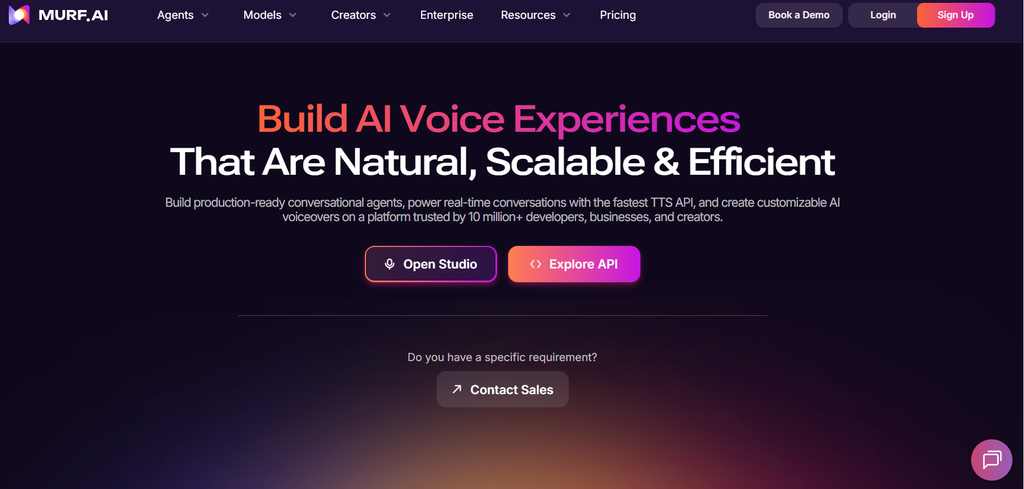
Murf AI comes with an in-built studio style editor to add narration over slides or videos. You can control timing, tweak pauses, emphasize points – all in the software. The voices produced are clean and professional, making them suitable for product demos and corporate-oriented videos. Murf AI comes with an in-built studio-style editor. You may add narration to slides or video and control timing and change pauses and emphasis all within the software. The voices sound clean and professional, which is perfect for product demos and corporate-oriented video.
What it does well
- The Basic Editor is used to sync the narrative with the graphics.
- Different accents and dialect
- Good control over pitch, speed and pauses
- No agency & business team skills
Where it falls short
- The voices are a tad more “presenter” than “storyteller”.
- At higher tiers, more expensive than creator-centric alternatives
Best for: Explainer videos, training materials, product demos, marketing teams.
3. Descript: Best for Editing Audio Like a Document
Best Audio Editing Software Like Word Document Descript is not merely a speechmaker. You can edit the transcript and media updates with it because it is an audio and video editor. The voice capabilities allow you to write to create or fix narration . Great for fixing one mispronounced sentence without re-recording it
What it does well
- Edit speech to edit text
- tighten audio, trim superfluous phrases quickly
- Best for artists who blend real recordings with AI voice
- A user-friendly interface
Where it falls short
- Synthetic voices may not be as realistic as professional equipment.
- Feature rich (which might be overkill for simple voice-overs)
Best for:Podcasters, lesson creators and anyone who captures parts of their audio and wants AI for patch ups.
4. Fliki – Best for Turning Scripts into Videos
Fliki is an amalgamation of speech-to-text and video-to-text. You paste in a script or blog post, select a voice, and the application matches up the narration with stock footage, photographs, and captions. It’s a winner for creators who want to crank out a lot of stuff fast.
What it does well
- It is a single-voice, simple video assembly tool. Languages & voices
- Quick turnaround for short-form and explainer material
- Ideal for converting blog content into videos
Where it falls short
- Unedited stock footage videos can seem generic.
- There is voice realism for each voice type.
Best for: short video creators, solo channel developers repurposing written content and solo channel builders.
5. WellSaid Labs: Best for E-learning & Training Voiceover
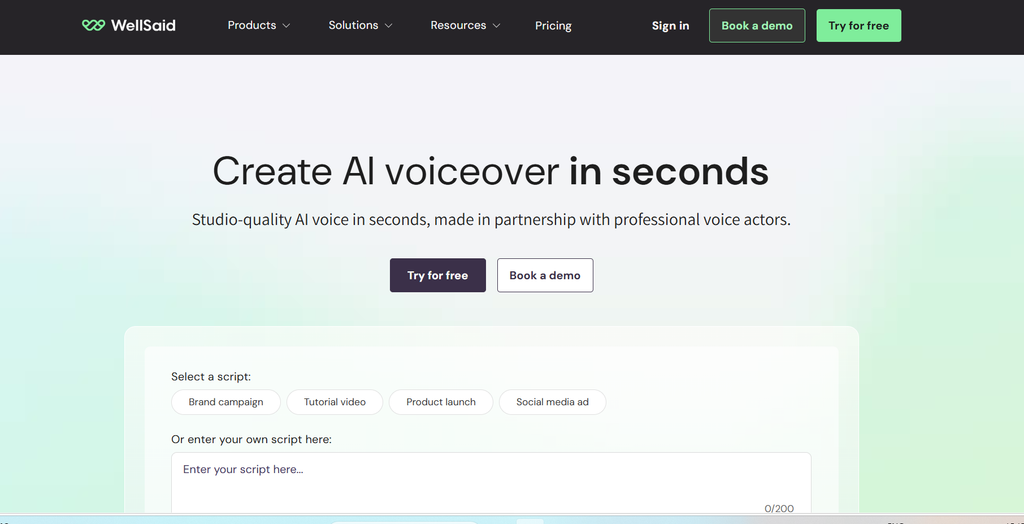
WellSaid Labs wants to deliver clean, professional voices for the business world. The delivery is smooth and clear – this is great for courses, onboarding videos, internal training, etc. This is not a spectacular story but a dependable, well-polished narrative.
What it does well
- Clear speech quality, professional tone
- Great for corporate and education content
- Large projects—Reliable delivery
Where it falls short
- Pricing is more oriented at companies than hobbyist makers.
- Reduced choice in delivery of emotive, character style
Best for: course authors, training teams & corporate YouTube channels
6. Speechify: Best for quick drafts and listening
began as text-to-speech software, but has evolved into a more complete voice platform with voiceover capabilities. It is user friendly and is good for translating scripts, articles and notes to audio.
What it does well
- Very user-friendly Reading the script out loud is useful to check it.
- Works on all devices
Where it falls short
- Less fine delivery control than dedicated voiceover tools.
- Not focused exclusively on YouTube creation.
Best for: Creators who want a proofreading tool for screenplays and fast drafts and for reading.
AI Voice Generators Comparison Table
| Tool | Best for | Voice Cloning | Free Plan or Trial | Standout Feature | Main Drawback |
| Eleven Labs | Realistic narration | Yes (plan-dependent) | Free tier available | Natural, expressive voices | Credits run out fast with retakes |
| Murf AI | Presentations and business videos | Limited, plan-dependent | Free plan or trial | Studio-style editor | Higher cost for team plans |
| Descript | Audio and video editing | Yes (plan-dependent) | Free plan available | Edit audio by editing text | Voices less lifelike than specialists |
| Fliki | Text-to-video creators | Yes (plan-dependent) | Yes (plan-dependent) | Voice plus video in one tool | Generic stock visuals |
| Well Said Labs | E-learning and training | custom voices and business | Limited trial | Clean, professional delivery | Business-focused pricing |
| Speechify | Drafts and listening | Yes (plan-dependent) | Free plan available | Simple and fast | Less fine control |
Which AI Voice Generator Should You Use?
There is no ranking list for the best tools. It is contingent upon your channel.
- Storytelling or documentary channels without faces: ElevenLabs delivers you the most natural pace and feeling
- Tutorials and software walk-throughs: ElevenLabs or Murf, depending on whether you want realism or an all-in-one editor.
- Course developers & corporate channels: Smooth, professional delivery: WellSaid Labs or Murf.
- For artists that blend actual audio & AI: Descript (since you can correct mistakes by typing)
- High-volume short-form content: Fliki enables quick script-to-video workflows.
- Automation and multilanguage pipelines: API-based technologies like Resemble AI or cloud TTS providers.
- If you’re on a tight budget: Experiment with the free levels, and only upgrade the tool you’re actually going to use.
Tips for Getting the Best Results with AI Voice Generators
Even the best AI voice generators need a good script and a little love. You may observe the effect of these habits.
1. Write to be read. Sentences can be made shorter. Talk like a human. Script text. The script is in English.
2. Write in pieces. Generating paragraph by paragraph allows you to rewrite faulty lines without having to start over and maintains the tone consistent.
3. From the outset, tell it as it is. Try brand names, acronyms, and numbers in a small clip before writing the complete script or plot.
4. Use punctuation as a guide. Commas, ellipses, and line breaks impact the rhythm. A flat line can be the result of small changes.
5. Voice Matching the Niche Tutorials work best with calm, clear voices. Gaming and entertainment need more vibrant voices.Experiment with different voices on the same text before deciding.
6. Change the sound. Add some background music and some compression and EQ to help the voice sit well in the mix.
7. Continuity. Keeping your videos consistent, from voice to settings, will help your channel establish an identity that people recognize.
YouTube Allows AI Voiceovers In?
I saw a lot of AI narrations on YouTube. However, there are two points worth noting.
Monetization: YouTube needs original, valuable content. Videos that are monotonous or mass-produced with little added value may run into revenue challenges no matter who is making the videos. A solid story, original images, and good editing can save a channel.
Disclosure: YouTube requires artists to label realistic altered or synthetic content, especially if a voice may be confused for a real person. Please review the current policies on YouTube. If you are unsure, please disclose.
Licensing: Ensure your plan has commercial rights before selling videos. Only clone voices you own or have rights to use.
What is the best AI voice generator for YouTube in 2026?
The most popular first choice is ElevenLabs, with its realistic voices, cloning options and pronunciation controls. Alternatives: If you prefer a studio editor, audio editing features, or text to video, Murf AI, Descript, and Fliki are good alternatives.
Are there free AI voice generators for YouTube?
Yes. There are several tools, like ElevenLabs, Descript, and Fliki, that offer free tiers or trials. They’re great for testing, but free plans often come with usage limits and may not include commercial rights, so check the terms before you monetize
Can I clone my own voice with an AI voice generator?
Voice cloning is offered by many tools, often on paid plans. Upload clear and clean recordings for better results. Clone only voices you have permission to use.
Can AI voice generators create voiceovers in other languages?
Yes. Many offer dozens of languages allowing you to reach international audiences. Native speaker to check pronunciation and tone before publishing.
Is Eleven Labs better than Murf AI?
Depends on what is important to you. ElevenLabs is the go-to for realism and expressiveness, while Murf AI is for users who want a studio-style editor and business-friendly workflows.
Conclusion
AI voice generators bring professional narration to every YouTube creator, whether you are running a faceless channel, publishing lessons, or wish to dub videos into other languages. In 2026, the gap between AI and human narration is narrower than ever, but even so, the greatest results still rely on a reliable tool, a well-written script, and careful editing.
Elevenlabs is the greatest place to start for most producers, as it provides realistic voices and extensive controls. Murf AI is designed for presentation content. Descript is the creator app for mixing actual audio with AI sounds. Fliki is for speeding up script-to-video workflow. WellSaid Labs is for training content. API-based tools are for developers building in scale.
The best and easiest method to go is to test a couple of AI voice generators using the same script paragraph, checking the commercial license and picking the one that sounds good for your audience. Focus then on the things that truly make a channel: excellent storytelling, clear images, and consistent publishing.
References
https://www.costbench.com/software/ai-voice-tools/murf-ai

I am Sirisha, and I am a digital marketing professional and content creator interested in Artificial Intelligence (AI), digital marketing, websites, apps, software, and technology. I also have completed digital marketing training from ODMT, where I have learned about Search Engine Optimization (SEO), Google Ads, Meta Ads, and web designing. My learning and hands-on experience is building on my knowledge of digital marketing, AI tools, and online technologies.
I’m the founder and content creator of TVSM Blogs, and I’m here to share useful, informative, and beginner-friendly content about AI tools, digital marketing, software applications, website development, blogging, and emerging technology trends. I want to help people understand new digital devices and how to use them effectively in their personal and professional activities. I am particularly keen to investigate AI-powered tools like ChatGPT, Gemini, Claude, Perplexity, and other productivity tools that can help with content creation, marketing, research, and everyday tasks.
I will be writing about practical AI tutorials, digital marketing guides, app reviews, software comparisons, website tutorials, and tech articles on my blog. I believe in continuous learning, research for reliable information, and sharing knowledge in a simple and easy-to-understand language. I want to review some tools, share my practical experience with them, and explain their features, benefits, and limitations so that readers can make informed decisions.